Your closet

Wear more of what you own.

Build a private digital closet with the pieces you reach for most. Tailr uses them to put together outfits for work, weekends, and everything in between.

A knit sweater laid flat next to a phone, ready for a closet photo.

Add a piece, then build a look

  1. 1

    Snap a photo

    Take a picture of one garment, or use a photo you already have. A phone camera is enough. Notes on light and framing are in taking great closet photos.

  2. 2

    Review the details

    From the photo, Tailr suggests a category, a color, a material, and a fit. You review that suggestion and correct it before it's saved. A brand is filled in only when a logo is clearly visible; otherwise you type it. You can also add a piece by typing the details, scanning the tag, or saving it from an outfit you just made. Every piece still needs a picture so you can see it in your closet.

  3. 3

    Style what you added

    Name the day. Tailr prefers pieces already in your closet. On the free plan it may also suggest up to two pieces you don't own. Closet-only mode uses only your clothes, and it's part of Pro.

Your closet stays private. Read how Tailr uses your data.

Womenswear, menswear, and the work week

Tailr styles womenswear and menswear. In Style DNA you choose how you shop, along with the fits, colors, and brands that are yours. The weeks below are examples of what you can ask for from clothes you already own.

Womenswear, a work week. Monday might be the ivory blouse, the black trousers, and the loafers, with the blazer if the room is cold. Wednesday might keep the trousers and switch to the knit and the ankle boots. Friday might be the silk shirt, the dark jeans, and those loafers. Saturday might be the striped tee, the jeans, the denim jacket, and the sneakers.

Menswear, the same kind of week. Monday might be the oxford, the charcoal chinos, and the derby shoes. A rainy Wednesday might be the merino crewneck, those chinos, and the chelsea boots. Friday might be a polo under the navy overshirt. Saturday might be the tee, the jeans, that overshirt, and the sneakers.

For work, catalog the jacket, two pairs of trousers, and the shoes you commute in. Weather can add a coat you already own. If a suggestion misses the room, change the brief or ask again.

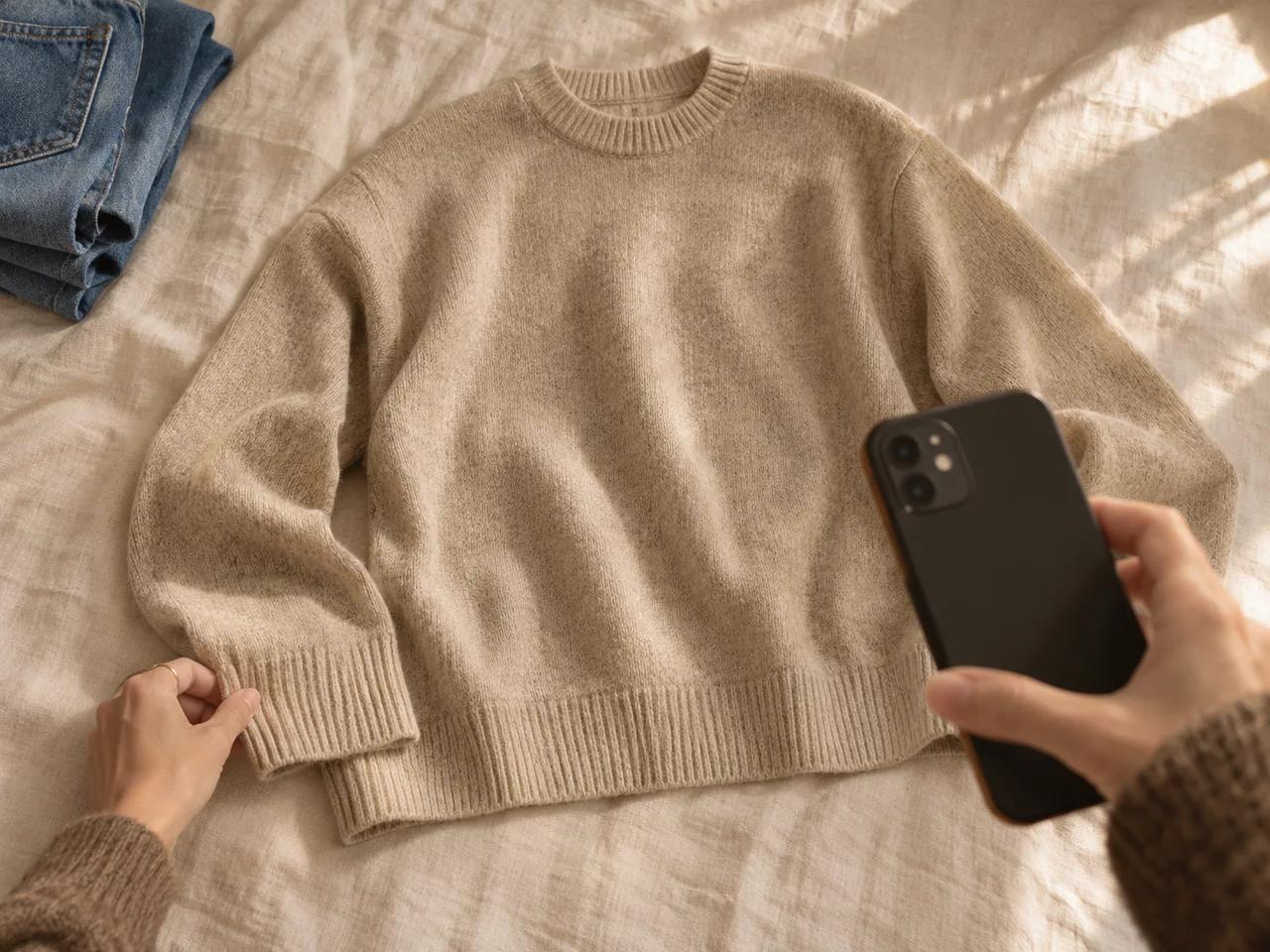
How to photograph the closet

One piece in the frame. Soft daylight, a plain background, the garment filling at least half the photo, laid flat or on a hanger. Skip a pile of clothes, a heavy filter, and a hard shadow. A photo of you wearing the piece can work. A flat photo is steadier. Shoes do best as one shoe from the side, on a plain floor. Add the brand yourself when the logo is hard to see, and replace a photo later if the label was wrong.

Start with what you will wear this week: tops, bottoms, shoes, and the jacket you reach for. Add the rest when you wear it.

Light and framing are in taking great closet photos. All four ways to add a piece (a photo, a tag scan, typing it in, or saving it from an outfit) are in adding items to your closet. To keep every outfit inside your closet, turn on closet-only mode (part of Pro).

Each photo Tailr reads uses one photo add. Free includes 5 for the life of the account. That's not 5 a day, and your closet isn't capped at 5 pieces: typing a piece in, scanning a tag, or saving one from an outfit doesn't use a photo add. A typed-in piece still needs a picture, but you fill in the details yourself.

What is free, and what Pro adds

Member is the free plan. It doesn't expire, and signing up doesn't ask for a card. Outfit and question counts reset at midnight UTC.

Member

Free

No credit card. It stays free.

  • 5 photo adds, total, for the life of the account
  • 5 outfits a day
  • 10 stylist questions a day
  • 10 saved looks, and 1 trip
  • 1 virtual try-on a week, with a small Tailr watermark
  • Outfits start from your closet and may suggest up to two pieces you don't own
  • Closet-only mode isn't included
  • The daily outfit email isn't included

Pro

$19 once

Lifetime access. It doesn't renew.

  • Unlimited photo adds
  • Unlimited outfits, questions, saved looks, and trips
  • Closet-only mode
  • A daily outfit email, if you turn it on
  • 10 try-ons a week, with no watermark
  • Conversation memory
  • The higher-quality model
  • A 14-day full refund

Email support@tailrstylist.com within 14 days of buying Pro for a full refund. Pro ends, the account returns to Member, and the closet stays. The full comparison is on the pricing page.

Good to know

Questions

Is there a free digital closet app?
Yes. Tailr's free plan, Member, needs no credit card and includes a closet. You get 5 photo adds for the life of the account, 5 outfits a day, and 10 stylist questions a day. You can also add a piece by typing it in, scanning the tag, or saving it from an outfit, and those don't use a photo add. It runs in the browser. Closet-only mode and the daily outfit email are part of Tailr Pro, not the free plan.
Can I make outfits from my own clothes?
Yes. Once a piece is in your closet, Tailr can use it in an outfit. On the free plan, an outfit starts from clothes you own and may suggest up to two pieces you don't own. Closet-only mode, which keeps every piece inside your closet, comes with Tailr Pro: $19 once, for life, with a 14-day refund.
Do I need to download an app?
No. Tailr is a website. Open it in the browser on your phone or your computer, create an account, and start the closet. You can add the site to your home screen if you want an icon. That part is optional. Cataloging clothes and getting an outfit don't require an install.
Is it a subscription?
No. The free plan stays free. Tailr Pro is one payment of $19 for lifetime access. It doesn't renew. There is a 14-day money-back guarantee: email support@tailrstylist.com within 14 days of the purchase and the payment is refunded in full. After a refund, the account returns to the free plan. Your closet stays.

Start with the clothes you will wear this week.

Create a free account and add those pieces first. Not ready? Try builds a sample look from pieces you can shop, with no account needed.